
Mobile Platform Overview
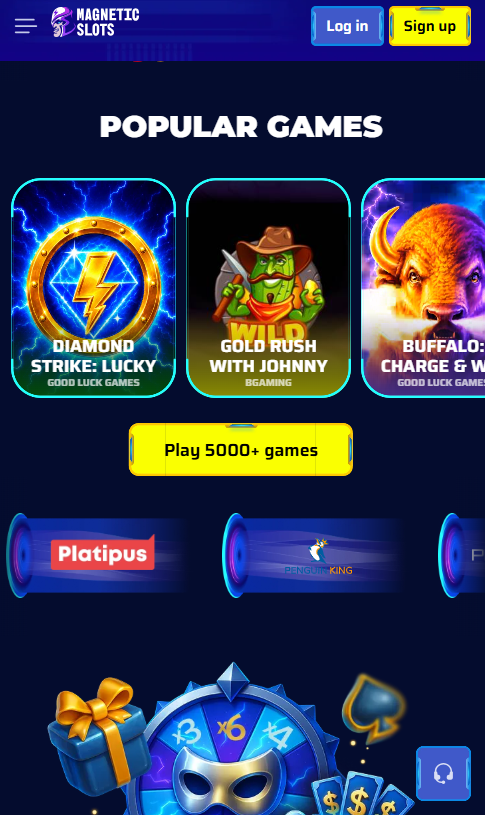
Magneticslots delivers its mobile product through a browser-first architecture. The website adapts its layout, navigation, cashier and games catalogue automatically based on screen size, orientation and input type. There is no native iOS or Android application to download from the App Store or Google Play at present, and no APK is distributed through third-party sources. Every registered account holder accesses the mobile experience with the same credentials used on desktop, and no separate mobile account is required.
iOS Access Through Safari
iPhone and iPad users open the Magneticslots website in Safari, log in with existing credentials and reach the full lobby without additional configuration. iOS 14 and above deliver full compatibility with all games, live dealer streams and the cashier. Touch ID and Face ID integration with Apple Pay work at the payment stage, and Safari's built-in pop-up handling prevents cashier interruptions during the deposit flow.
Android Access Through Chrome
Android users access the platform through Chrome or any Chromium-based browser (Samsung Internet, Brave, Edge). Android 10 and above are fully supported, and Chrome's payment sheet integration accepts Google Pay tokens directly from the cashier. Screen orientation, notification handling and background audio for live dealer streams all follow standard browser behaviour, with no additional permissions required beyond the initial site load.
Home Screen Installation Process
Players who prefer an application-style shortcut can pin the Magneticslots website to the device home screen through the browser menu. The pinned shortcut launches the platform in full-screen mode without the browser address bar, replicating the visual experience of a native application. The following steps apply on the two major operating systems:
- iOS (Safari) — tap the Share button, select Add to Home Screen, confirm the shortcut name.
- Android (Chrome) — tap the three-dot menu, select Add to Home Screen, confirm placement.
- Samsung Internet — tap the menu icon, select Add Page To, choose Home Screen.
- Firefox Mobile — tap the menu icon, select Install, confirm the shortcut.
Mobile Payment Methods
The mobile cashier supports the full payment stack available on desktop. Apple Pay and Google Pay integration adds biometric confirmation at the payment step for accounts running iOS Face ID or Android fingerprint authentication. Deposit minimums, processing speeds and bonus eligibility match the desktop cashier exactly.
| Method | Mobile support | Biometric confirmation |
|---|---|---|
| Apple Pay | iOS Safari | Face ID / Touch ID |
| Google Pay | Android Chrome | Fingerprint / PIN |
| Visa / Mastercard | All mobile browsers | 3D Secure SMS |
| Skrill / Neteller | All mobile browsers | App-based 2FA |
| Neosurf voucher | All mobile browsers | Voucher code only |
| Cryptocurrency | All mobile browsers | Wallet signature |
Full Game Library on Mobile
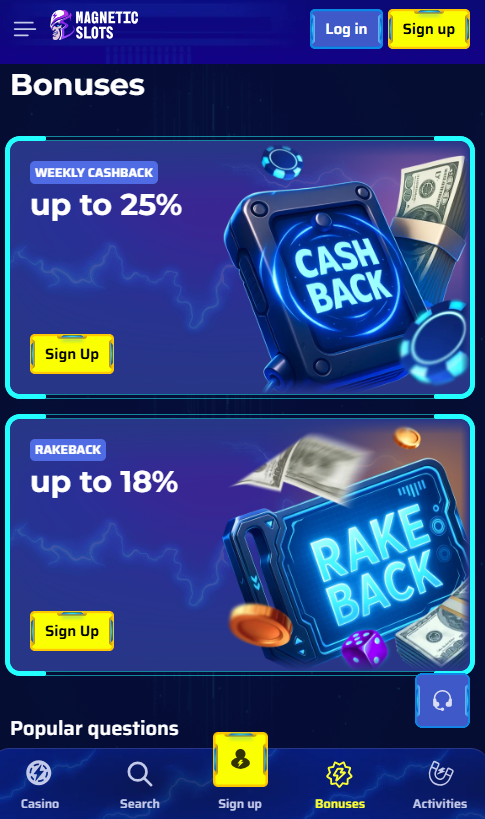
The mobile lobby carries the full desktop catalogue without exclusions. All 6,000+ pokies, every Evolution Gaming and Pragmatic Play Live table, and the complete sportsbook load on a responsive canvas. Games from major providers (Pragmatic Play, NetEnt, Play'n GO, Hacksaw Gaming, NoLimit City) render natively on touch devices with reworked controls, larger tap targets and portrait or landscape orientation. Live dealer streams broadcast in high definition on 4G, 5G and Wi-Fi networks.
System Requirements and Performance
Recommended device specifications for a stable Magneticslots experience are modest. Any current smartphone or tablet released within the last four years running iOS 14+ or Android 10+ delivers full performance. Live dealer streams call for a stable connection of 3 Mbps or above, and pokies operate reliably from 1 Mbps. Load times remain under four seconds on fibre-backed 4G and 5G networks, and the mobile client caches static assets to reduce data usage on subsequent sessions. Devices with 3 GB of RAM or above deliver smooth animation on Megaways titles and cluster-pay pokies from Hacksaw Gaming, and devices with 4 GB of RAM or more handle multiple live dealer streams in the background without stutter. Battery consumption on a typical pokies session runs at levels comparable to a mainstream video streaming service on the same hardware.
Mobile Account Management
All account functions available on desktop are accessible from the mobile web application, including deposit and withdrawal, bonus opt-in, responsible gambling settings, KYC document upload and live chat with support. Registration is possible directly on mobile through the register flow, and bonus opt-in for the welcome package described on the bonus page follows the same two-tap sequence used on desktop. Session security is maintained through TLS 1.2 encryption and optional SMS-based two-factor authentication.